

RV Folks App
Web appPractical RV guides and calculators, one tap from your home screen.
Install in three taps
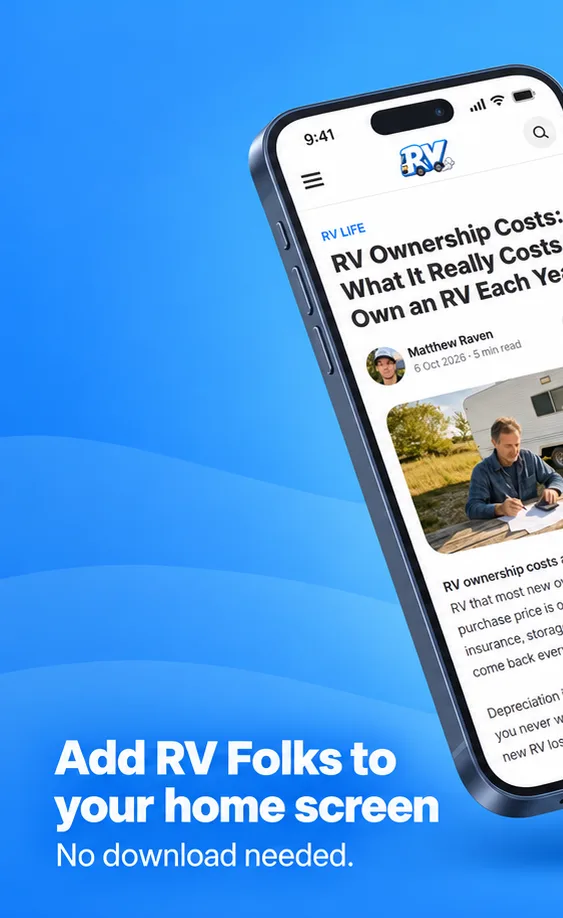
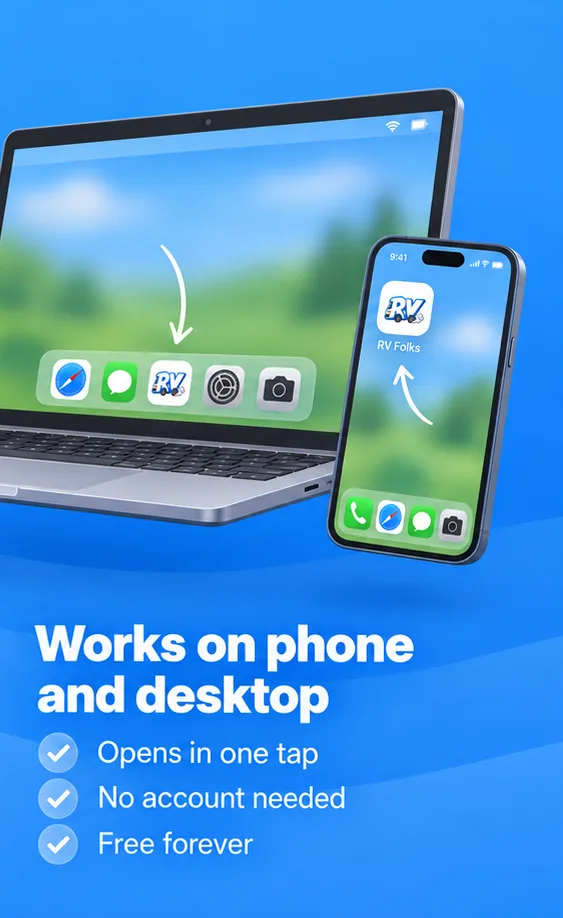
No app store needed. Open RV Folks in your phone’s browser and add it to your home screen. Pick your phone and follow the steps.
iPhone & iPad
Safari- Open rvfolks.com in Safari.
- Tap the Share button in the toolbar.
- Choose Add to Home Screen, then tap Add.
Android
Chrome- Open rvfolks.com in Chrome.
- Tap the menu in the top corner.
- Choose Install app or Add to Home screen.
On a computer? In Chrome or Edge, click the install icon in the address bar.
Made for life on the road
Everything you use on RV Folks, without opening a browser first.
-
Your tools, one tap away
Height, towing, fuel and solar calculators open straight from your home screen.
Back to the Install App button. -
Full-screen reading
Guides open like an app – no browser bars, no lost tabs.
Back to the Install App button. -
Always up to date
New guides and tool updates show up automatically. Nothing to update.
Back to the Install App button.
Quick answers
Everything you might want to know before installing.
Yes. Adding RV Folks to your home screen is free, and so is everything on the site. There is nothing to buy, no account to create and no card to enter.
No. RV Folks is a web app, so you add it straight from your browser: Safari on iPhone and iPad, Chrome on Android. Nothing to download from a store and no store account involved.
Hardly any. The icon is a shortcut to the website, so it needs only a tiny amount of storage, far less than a regular app.
No. It is the same RV Folks with the same guides and calculators. The only difference is how you open it: from an icon on your home screen, full screen, without browser bars or tabs.
Press and hold the RV Folks icon on your home screen and choose Remove App (iPhone) or Uninstall (Android). That only removes the shortcut; the website stays available in your browser.